Audible Tape
The audible tape turns the live trade stream into sound, so you can follow order flow without watching the tape. Higher-pitched sounds mean buyers are lifting the ask; lower-pitched sounds mean sellers are hitting the bid. Large block trades add a layered chime.
Only the side in control plays. Stronger one-sided aggression plays faster, and balanced two-way trade is silent.
Turn it on
Click the music-note icon (Audible Tape) in the chart panel header. A dot on the icon shows that the tape is on for that panel. The audible tape is set per panel and is off by default.
Settings
Open the panel gear and choose the Audible tape tab.
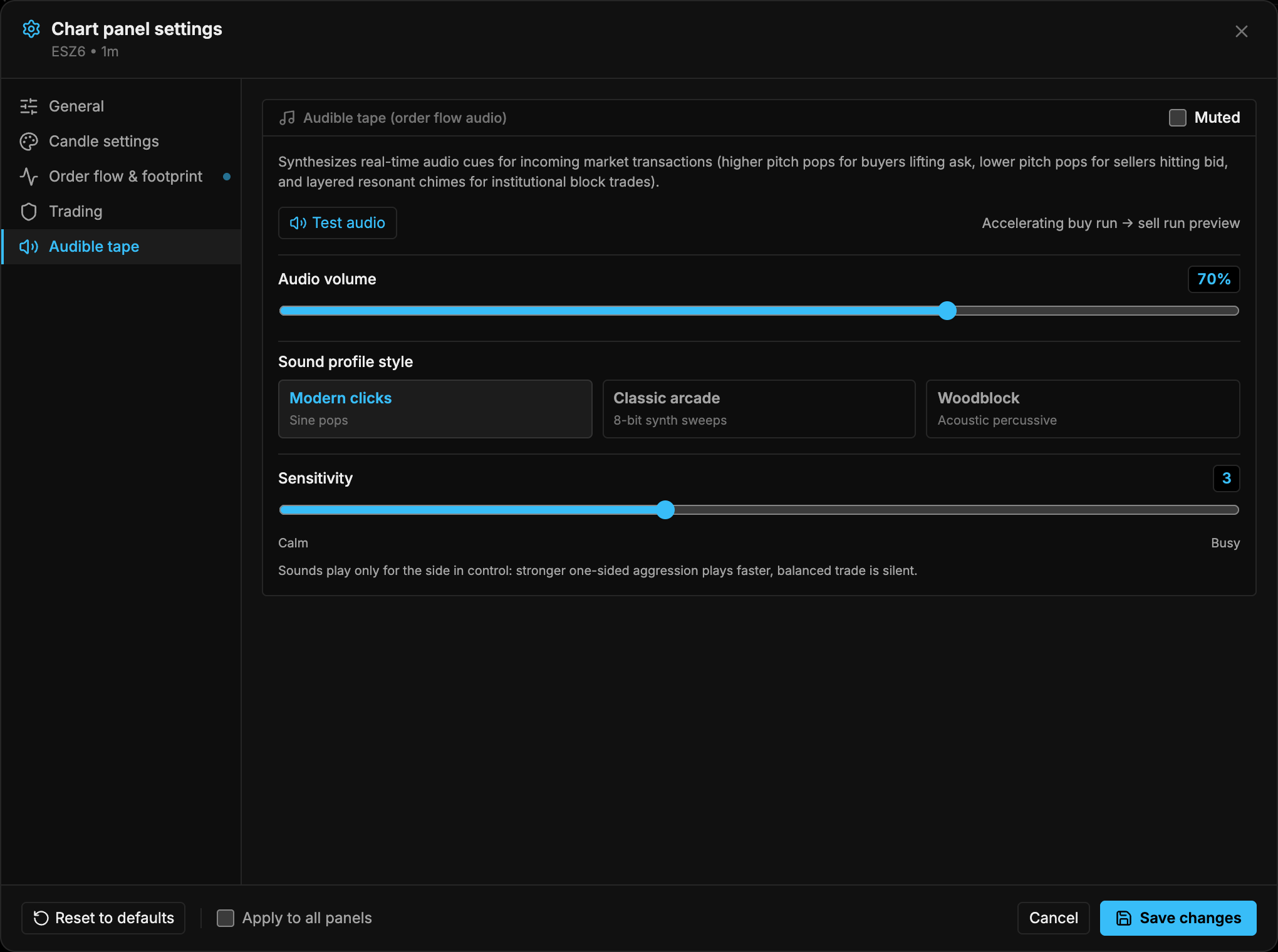
| Setting | Default | Options / range |
|---|---|---|
| Enabled / Muted | Muted | Toggle in the card header |
| Test audio | Plays an accelerating buy run, then a sell run | |
| Audio volume | 70% | 0–100% |
| Sound profile style | Modern clicks | Modern clicks (sine pops), Classic arcade (8-bit synth sweeps), Woodblock (acoustic percussive) |
| Sensitivity | 3 | 1 (Calm) to 6 (Busy) |
Sensitivity sets roughly how many sounds per second typical one-sided flow produces. Move it toward Calm for a fast market and toward Busy for a quiet one.
- Turn the tape on and click Test audio to check your speakers and volume.
- Pick a sound profile you can hear clearly over other audio.
- Watch a live market for a minute and adjust Sensitivity until bursts stand out from background flow.